Personal Air Cooler vs. Central AC: WFH Energy Cost Comparison
A WFH energy cost comparison of a personal air cooler versus central AC starts with wattage. A USB 3-in-1 personal cooler draws about 10W at 5V DC to fan, mist, and humidify a personal zone up to about 50 sq ft. Traditional compressor air conditioning in the 1000–1500W class cools much more air — and bills like it. You save when you stop icing empty rooms and keep the worker comfortable at the desk. This is zonal strategy, not a claim that a mist cooler replaces a heat pump for the whole floor.
The wattage gap is the whole story
Ten watts is a night-light class load. A thousand to fifteen hundred watts is a small-appliance-heater class load. Run the compressor extra hours because a laptop-warm spare bedroom feels stuffy, and the bill follows the compressor, not the laptop. A personal evaporative cooler lets that room’s occupant sit in a mist-cooled airstream while the thermostat stays a step higher.
Listed electricity-cost savings of up to 90% are a comparison against that high-watt traditional AC class, not a promise that your utility statement will shrink by a magic percent if you still run the air handler on arctic. Math only works if behavior changes: fewer compressor hours, same comfort at the chair.
USB 5V also means you are not adding a second window unit’s inrush. Portable compressor ACs still live in the high-watt world. Do not mix those labels with a 10W mist cooler.
What a personal cooler can and cannot bill-reduce

Photo by Wolrider YURTSEVEN on Pexels
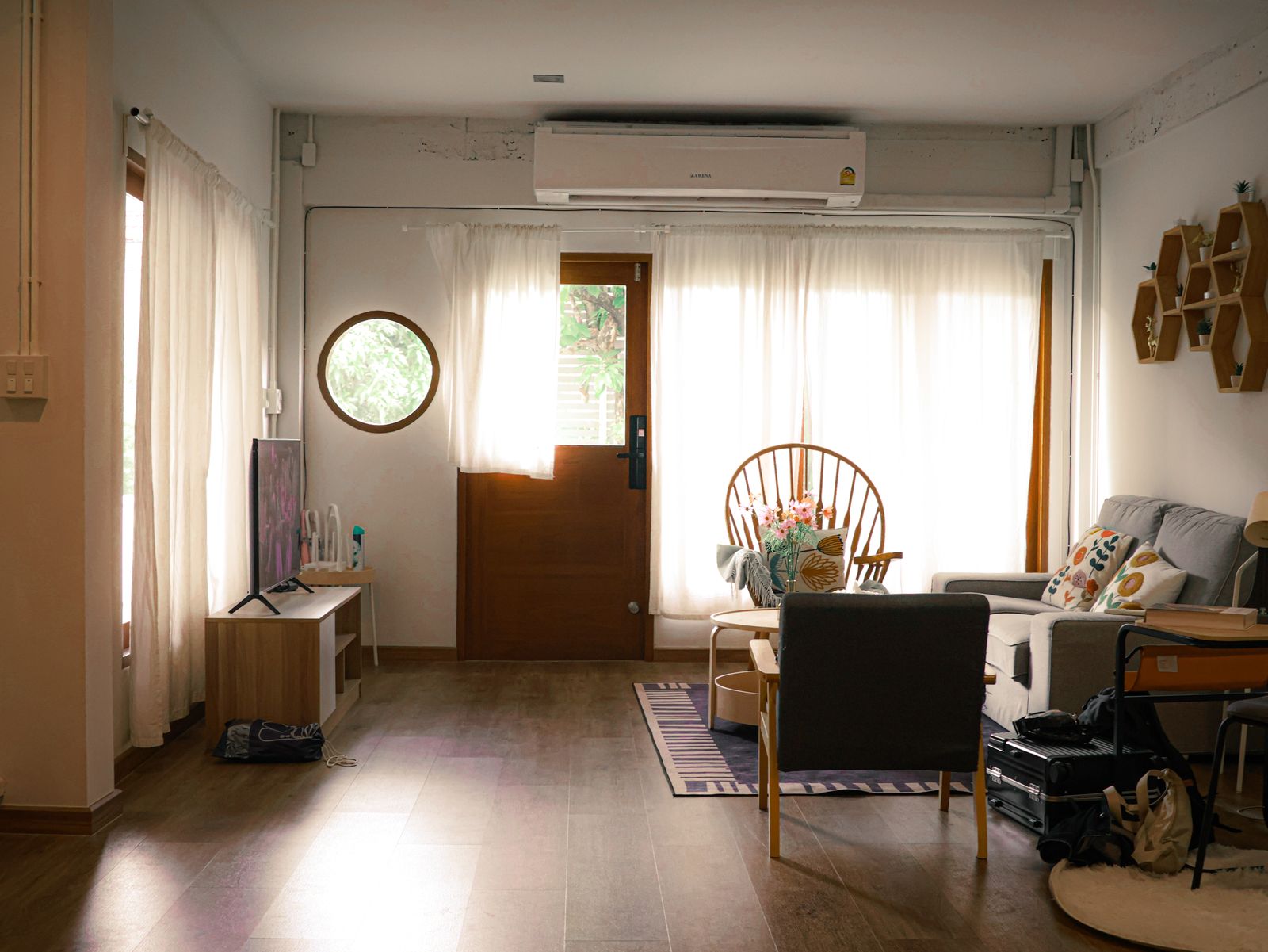
It can make one WFH body comfortable in a dry, still corner. It cannot swallow heat from a west window, a gaming PC, and three idle bedrooms at once. Up to about 50 sq ft is a desk, a chair, and a little floor. Close the office door. Shade the glass. Then the 10W unit is doing a job the central system was overqualified for.
Humidifier mode in winter is a comfort cost at the same tiny wattage — useful when heat dries the office — but it is not a furnace replacement. Fan-only days cost the same USB sip without water.
If household members still want a 70°F whole-home set point, your desk gadget will not veto the compressor. Cost comparison is a household decision plus a personal tool.
A fair WFH comparison method
Compare hours, not slogans. Note the thermostat you used last summer. Try a modestly higher set point on days you are parked at the desk with the 3-in-1 aimed at you. Keep 35–50 dB in mind so you are not blasting a high fan you hate, then “giving up” and slamming the AC back down.
Do not invent dollar-per-month figures here — rates vary. Use your utility’s per-kWh price on 10W versus 1000–1500W if you want a napkin estimate. The order of magnitude is the lesson.
Nighttime WFH or late emails: a quiet personal cooler plus a higher house set point is often enough. Sleeping in the same room is a different article; the energy logic is the same sip-versus-compressor story.
Mist, dryness, and the “free cooling” myth
Evaporative cooling is not free. It uses a little electricity and some water. Water cost is small next to compressor hours in most homes, but you still refill. Distilled water for hard-tap areas is a maintenance choice, not an energy feature.
Central AC also dries air. Some WFH discomfort is dryness, not only heat. A 3-in-1 that humidifies while it fans can reduce the urge to crank AC just to “feel something.” That behavioral save is real and still not a compressor clone.
7-color LED draw is negligible in this conversation. Turn lights off for calls; they are not your kilowatt problem.
WFH energy cost snapshot
| Item | Personal USB 3-in-1 | Central / traditional AC | | --- | --- | --- | | Power | About 10W at 5V DC | 1000–1500W class compressor | | What it treats | Personal zone up to ~50 sq ft | Whole zones / whole home | | Typical extra hardware | USB cable, water | Ducts, outdoor unit, or window kit | | Cost lever | Raise setpoint; cool the person | Hours the compressor runs | | Not for | Whole-floor heat waves alone | Sipping 10W at a desk |
WFH cost-comparison checklist
Photo by Max Vakhtbovych on Pexels
- [ ] Measure comfort at the chair, not the hallway thermostat only.
- [ ] Raise the house set point a little on desk days.
- [ ] Aim the 10W cooler at you; close the office door.
- [ ] Use mist when air is dry; fan-only when it is muggy.
- [ ] Shade windows that cook the desk.
- [ ] Do not run arctic AC plus a personal cooler “just in case.”
Frequently asked questions
Does a personal air cooler cut the bill if central AC stays at the old set point?
Barely. The 10W sip is tiny. Savings need fewer compressor hours.
Is the up-to-90% savings figure a guarantee?
It is a comparison against high-watt traditional AC, not a utility contract. Your result tracks how often the compressor actually rests.
Can I shut central AC off entirely?
Only if the rest of the home and climate allow it. A 50 sq ft personal zone does not condition unused rooms.
What about a portable compressor AC in the office?
That is still high-watt cooling with exhaust needs. It is not the 10W USB class this comparison uses.
Related reading
These energy and “without central AC” guides use the same wattage logic.
- whether a 3-In-1 is a reliable energy-efficient spot cooler
- how to stay cool without central AC using a 3-In-1
- eco-friendly cooling analysis for 3-in-1 air coolers
- spot-cooler efficiency notes on the 3-In-1
What to do next
On the next WFH day, nudge the house thermostat up a step, close the office door, and run a ~10W USB personal air cooler at the chair. If you stay comfortable, you just ran the cost comparison in real life — compressor hours down, personal zone up to about 50 sq ft doing the desk’s job.
Cover photo by Raymond Aquila on Pexels.